Photo libraries accumulate more than exact copies. Resized exports, cropped edits, recompressed downloads, and long bursts can all consume storage while being difficult to compare manually. DupHunter provides two dedicated photo search modes for this work.
Find visually similar images
Select Similar Images, add the folders you want to scan, and choose a match level:
- Related (80%) for broader visual relationships
- Similar (85%) or Close Match (90%) for balanced cleanup
- Very Close (94%) or Near-Duplicate (97%) for conservative matching
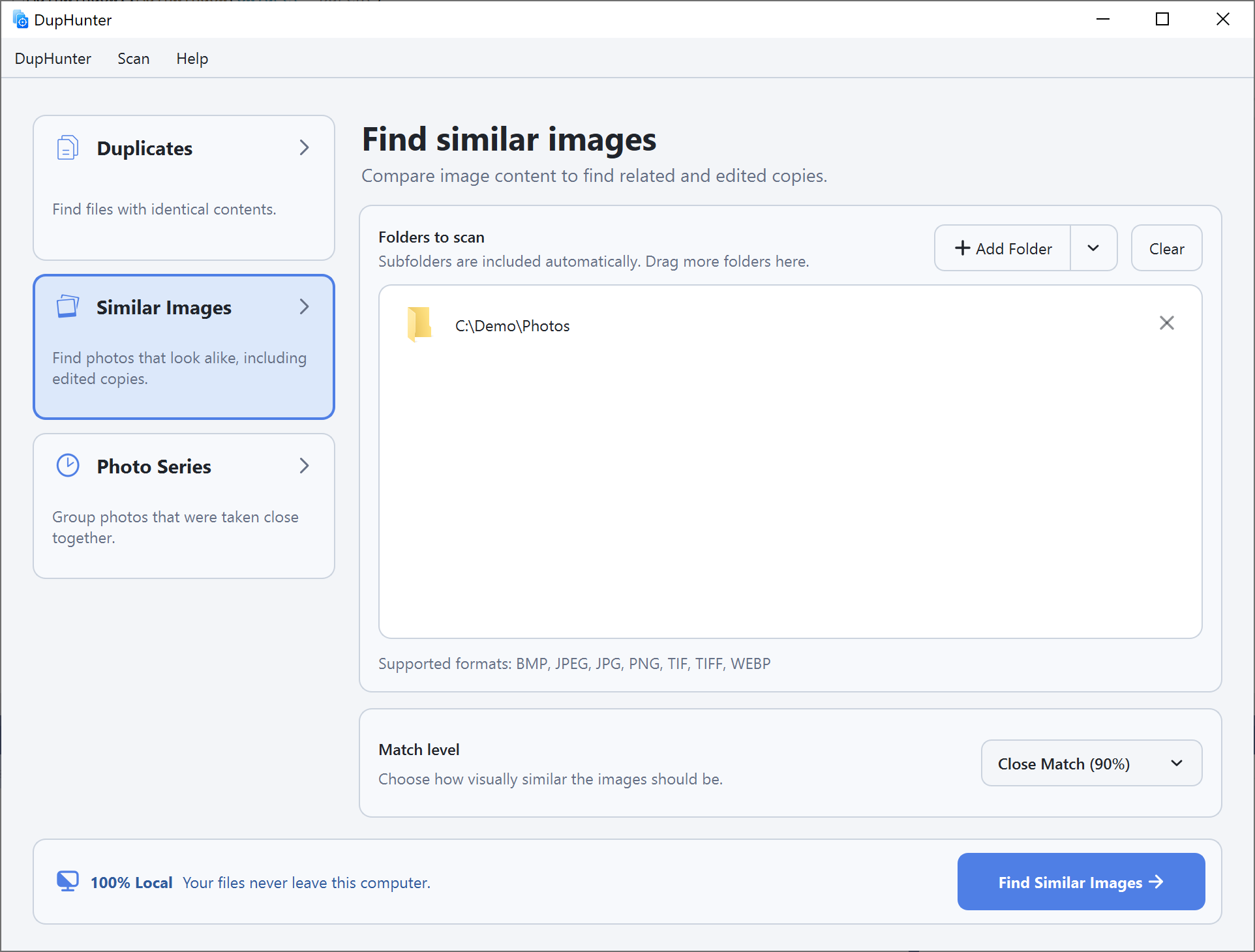
DupHunter supports JPG, JPEG, PNG, TIFF, TIF, BMP, and WebP. HEIC and HEIF are also supported on macOS.
Compare the results
Select a result group to see a large preview and file details. Use the comparison filmstrip to switch between images, zoom in, and inspect dimensions, dates, location, and available photo metadata.
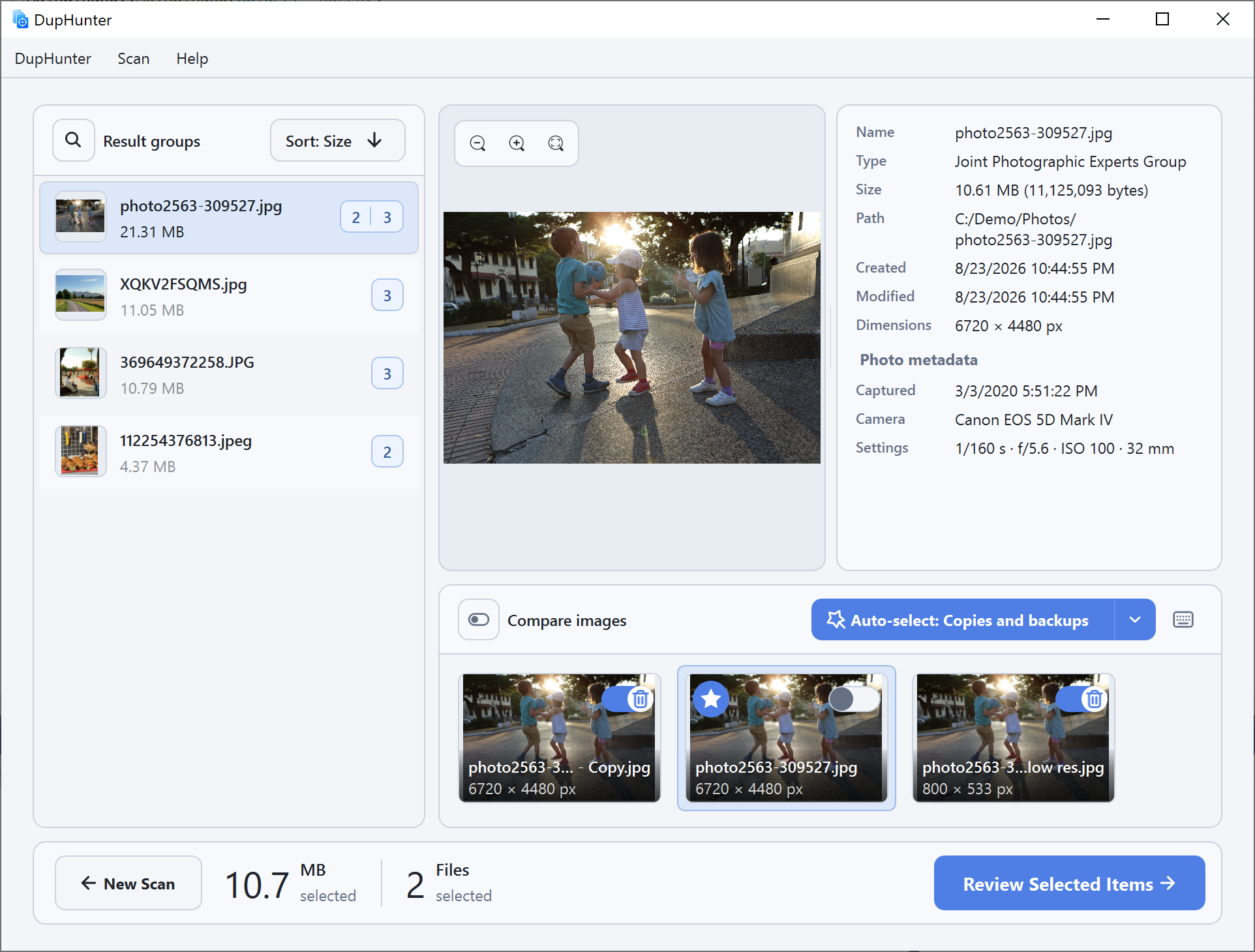
Mark weaker images manually, use Keep only this photo, or apply a rule such as Lower-resolution images.
Find photo series
Select Photo Series when you want to group photos captured close together. Choose the maximum gap between consecutive photos: 1, 5, 10, or 30 seconds, or 1, 5, or 10 minutes. When capture metadata is missing, you can optionally fall back to file creation or modification dates.
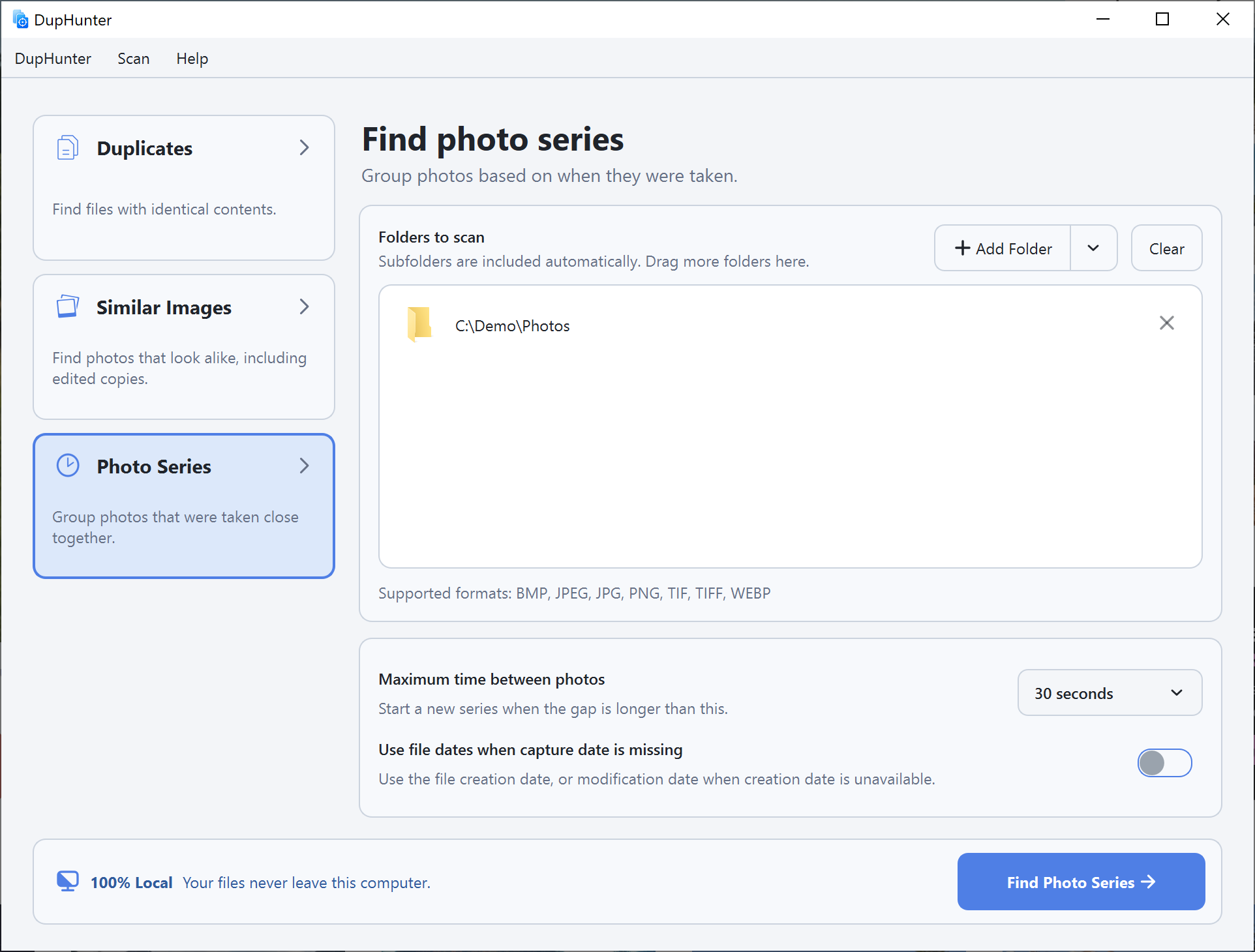
Series are built from photo capture time or the optional file-date fallback. This makes it easy to review burst shots, alternative angles, and sequences from the same moment as one group.
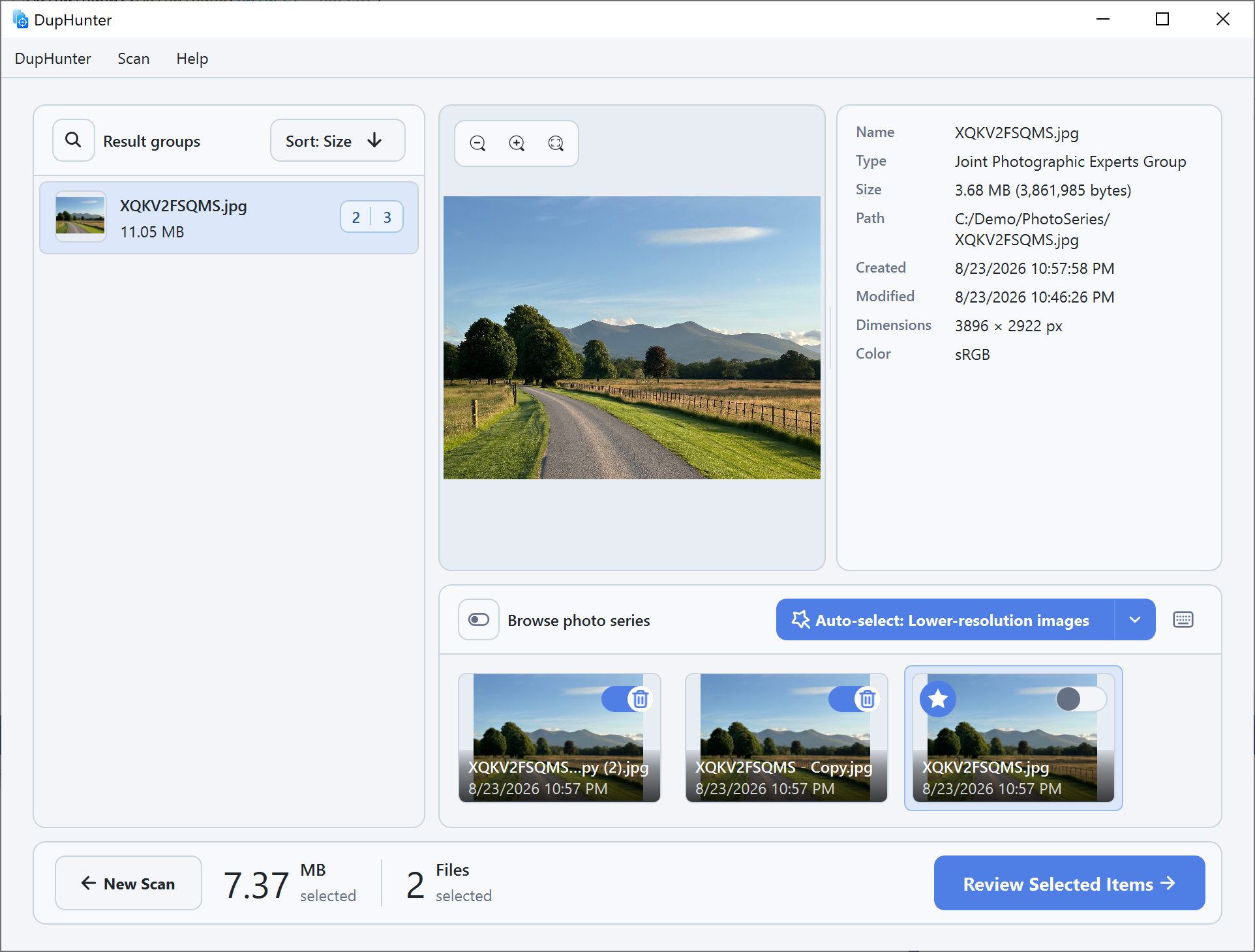
Review before removal
Click Review Selected Items only after you are happy with the selections. The final page shows every selected file or folder. Uncheck anything you want to keep, then choose Remove Selected Items. Confirmed items are sent to the operating system's Trash or Recycle Bin.